Marc Baechtold color tools
20 Lightroom Presets for Hotels
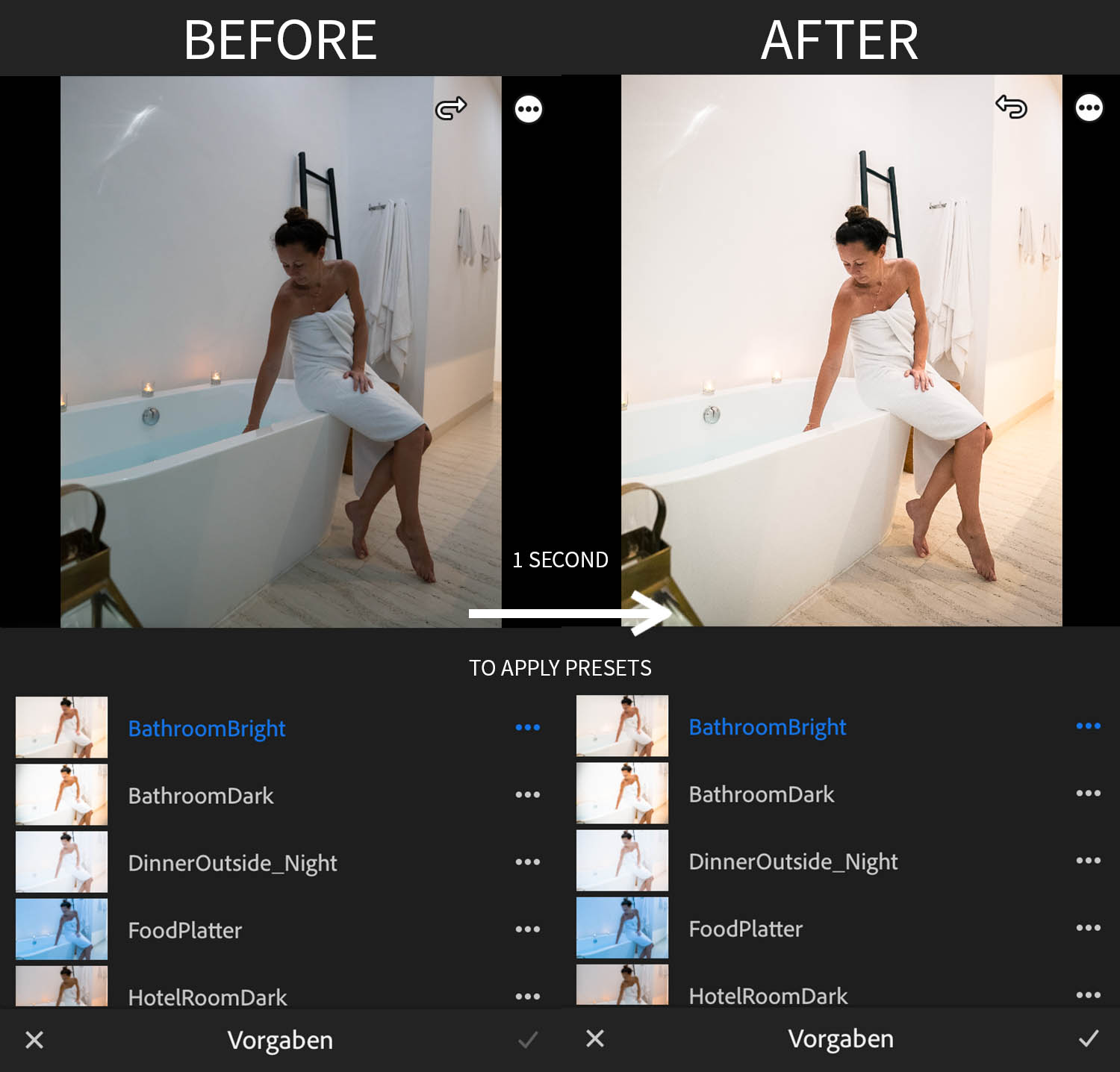
Twenty presets for food, rooms, indoor and outdoor areas, and both bright and low-light hotel scenes.
- Hotel and resort color for mobile workflows
- Digital delivery after successful checkout
- Compatibility and installation stated before purchase


Inside the pack
Hotel and resort color for mobile workflows
Compatibility and files
Adobe Lightroom Mobile (free). Delivered as DNG preset files.
Installation
- Download the files and unpack the ZIP archive when supplied.
- Import the DNG file or files into Lightroom Mobile.
- Open each DNG and save its settings as a new preset.
- Apply the preset and fine-tune white balance, exposure and color for the photograph.
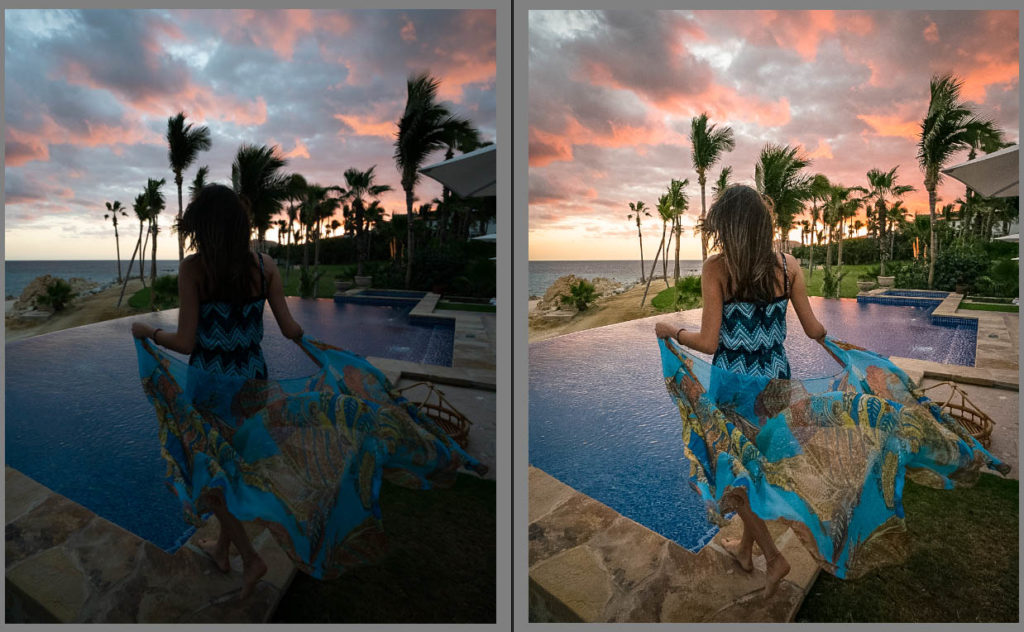
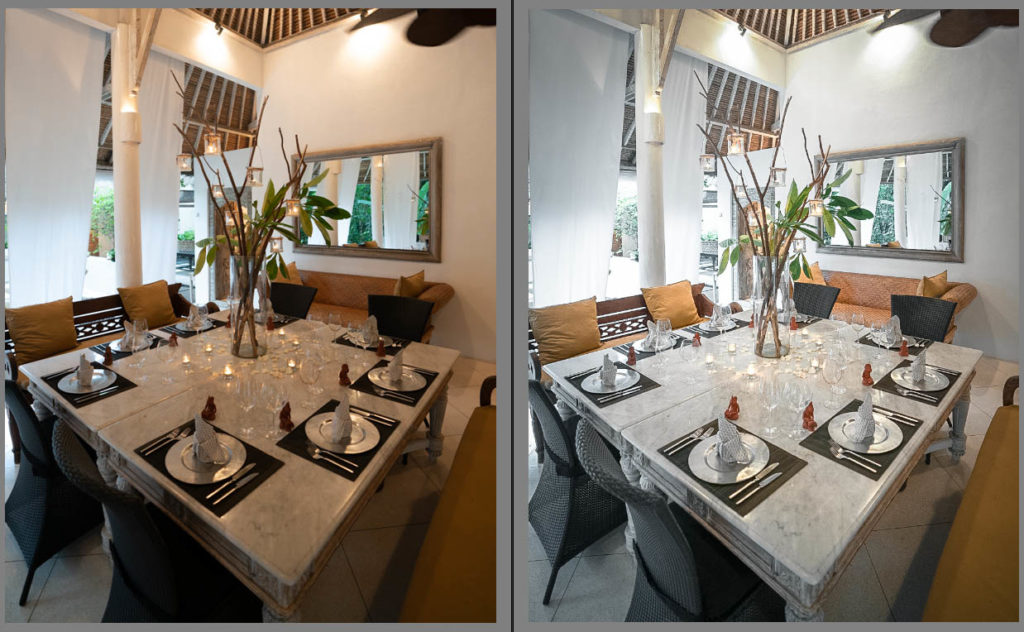
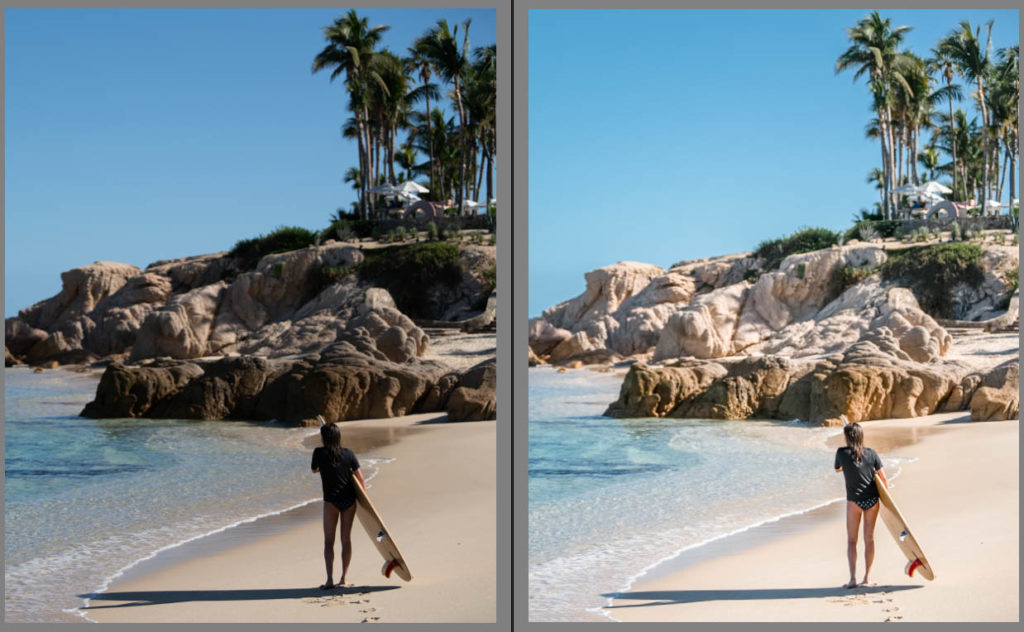
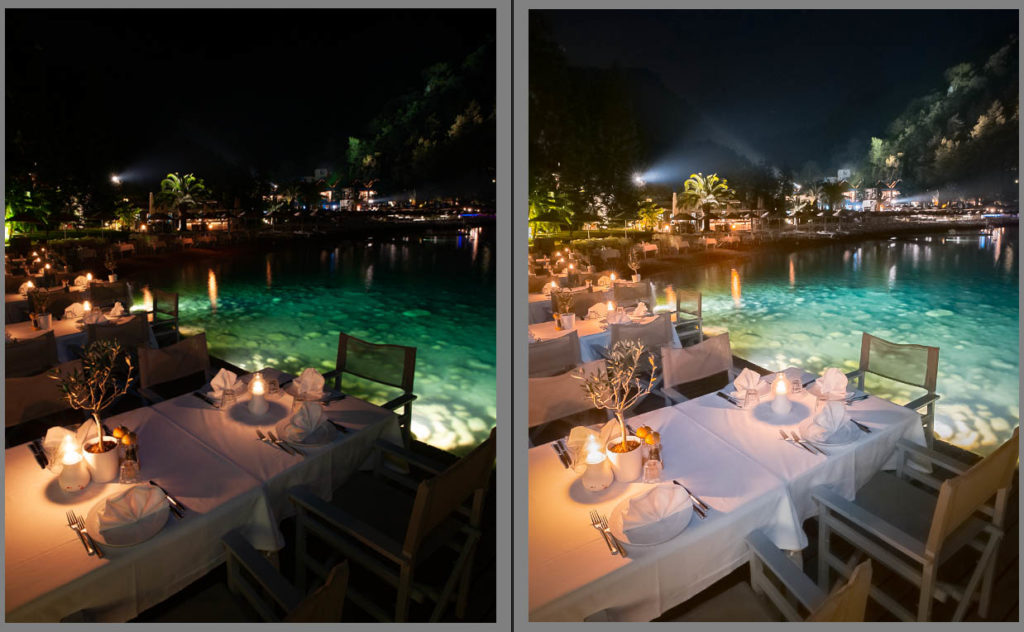
Real examples
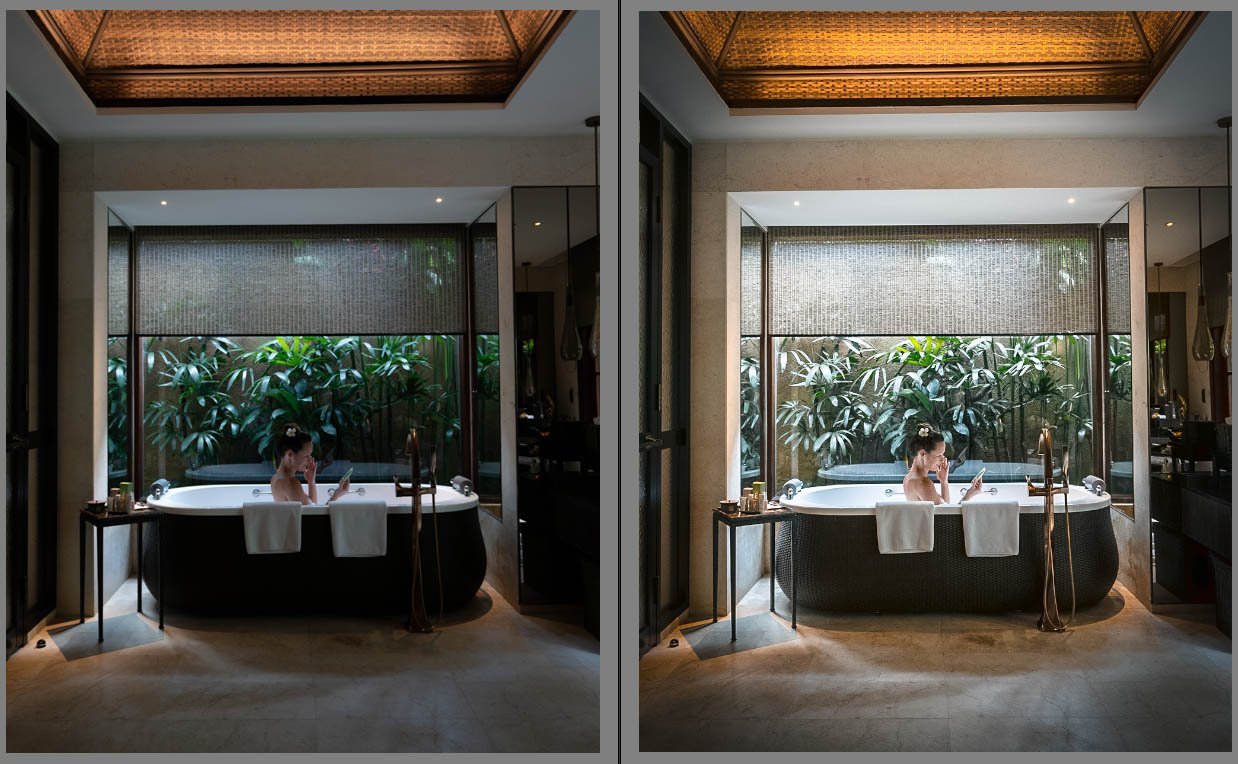
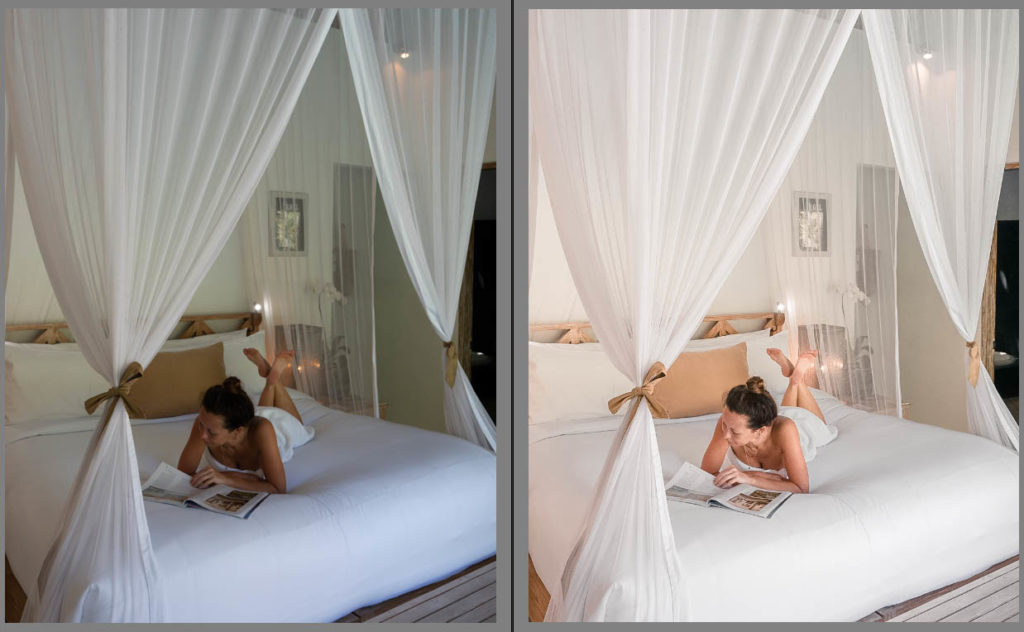
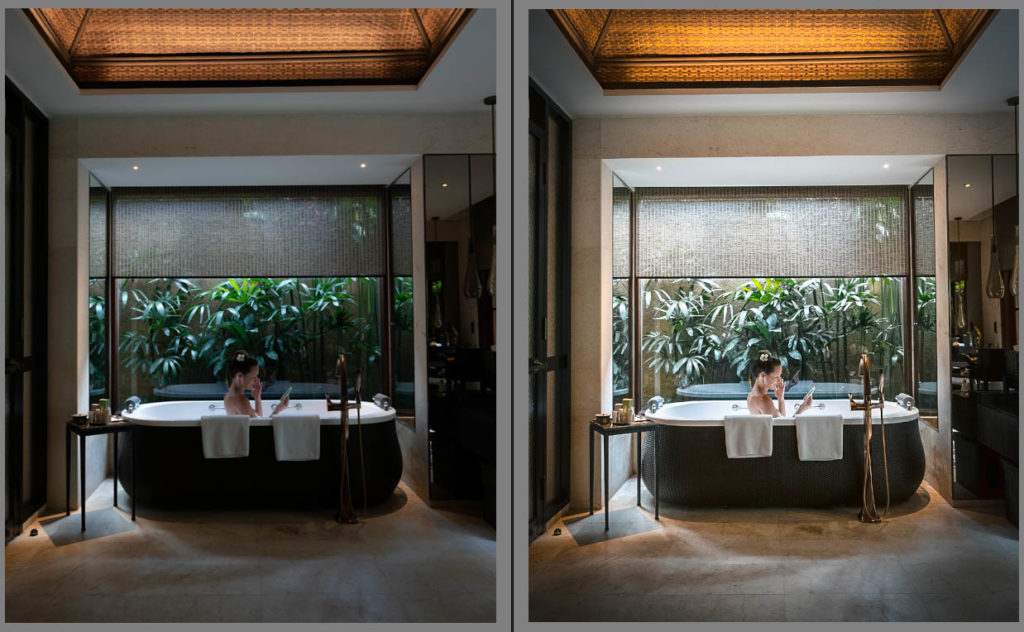
See how the look behaves across different images.
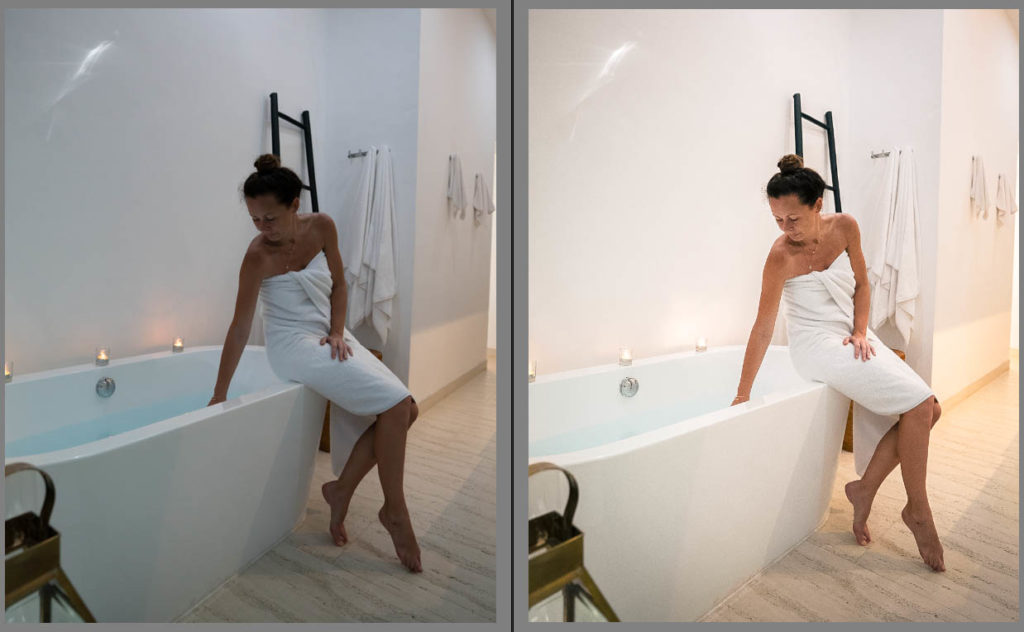
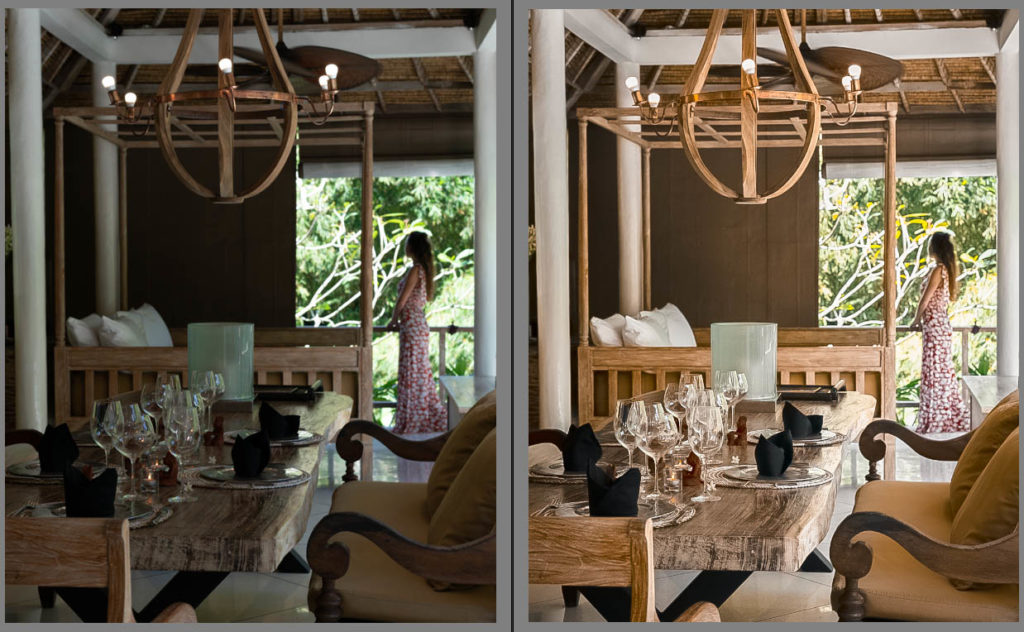
Before you buy
Clear files. Clear expectations.
What do I receive?
Hotel and resort color for mobile workflows. Adobe Lightroom Mobile (free). Delivered as DNG preset files.
How is the product delivered?
After a successful checkout, Easy Digital Downloads provides the download link for the file assigned to this product.
Will every image look identical?
No preset replaces a good base exposure. Use the look as a starting point, then fine-tune white balance, exposure and color for the individual photograph or clip.
More color tools


